
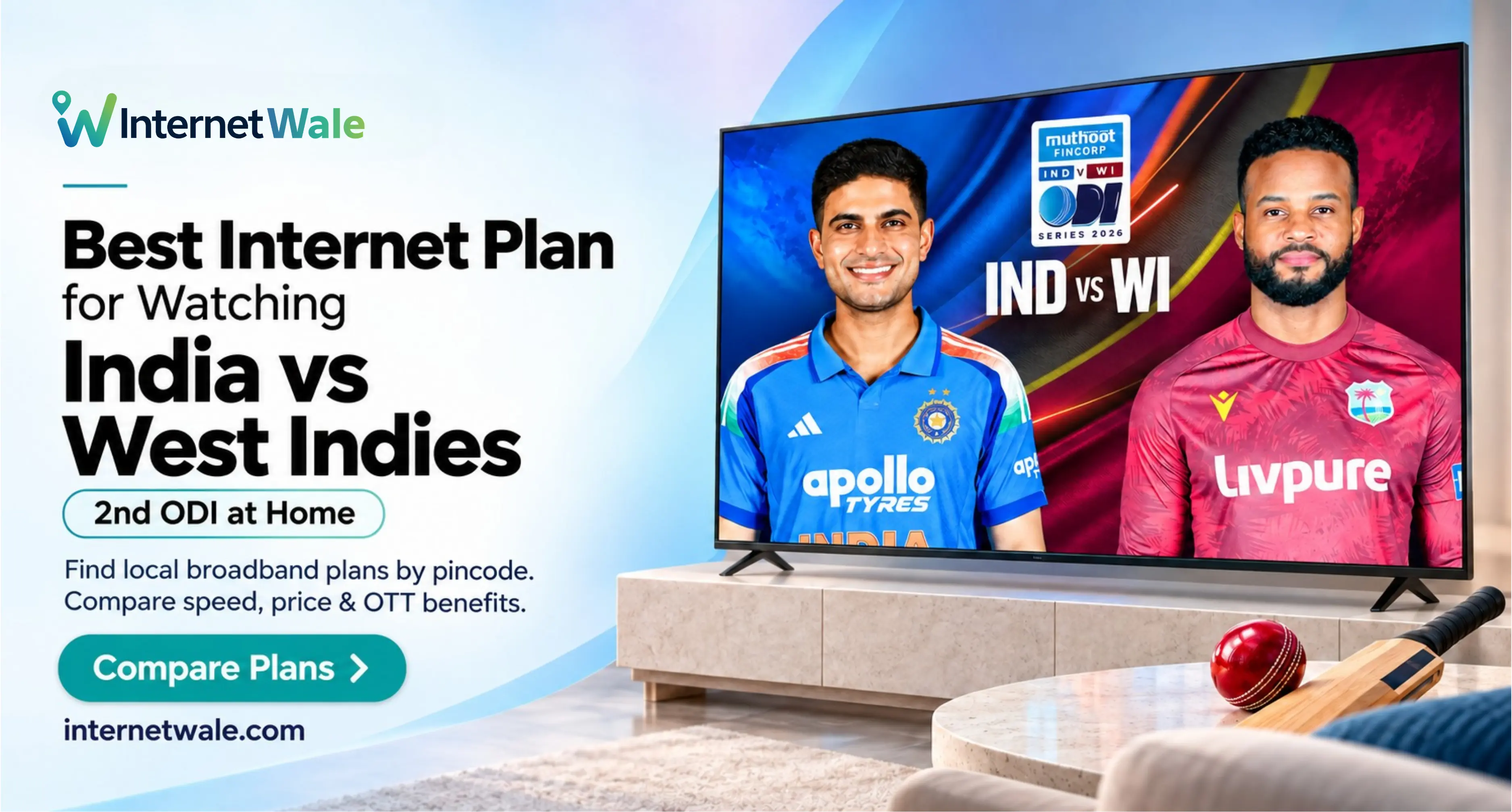
Nobody wants the screen to freeze just as the ball heads towards the boundary. But choosing an internet plan for match day does not mean buying the fastest package available.
India face West Indies in the second ODI on Wednesday, 30 September 2026, at 2:00 PM IST in Guwahati, according to BCCI’s published schedule. That makes now a good time to check your home connection before settling in for the action.
For a household sharing one television stream with everyday browsing, 100 Mbps is a practical starting point, not a compulsory upgrade. A smaller household may need less, while several simultaneous streams can justify considering more capacity.
Here is how to choose a broadband plan that suits your viewing habits, household routine and budget.
How Much Internet Speed Do You Need for Live Cricket?
Start with the streaming service’s requirements, then allow room for everyone else using your connection.
As a general video benchmark, Netflix recommends a stable 5 Mbps for Full HD and 15 Mbps for 4K. These are Netflix’s recommendations, not the official requirements for this cricket match. Check the authorised streaming service’s guidance before deciding.
The following broadband tiers are practical household recommendations rather than guaranteed performance levels or minimum requirements for watching cricket.
30–50 Mbps: Consider It for One Screen
Watching on one television or laptop while someone else checks messages? A stable 30–50 Mbps connection is worth considering.
Start here when your household has light internet usage and avoiding unnecessary monthly expense matters. Do not upgrade a connection that already handles your chosen viewing quality comfortably.
100 Mbps: A Sensible Shared-Home Option
Consider a 100 Mbps broadband plan when cricket shares the connection with browsing, video calls and occasional streaming on another device.
This recommendation allows extra capacity beyond one video stream. It is not a claim that cricket requires 100 Mbps. Your actual usage, connection quality and router performance should guide the final choice.
150–200 Mbps: Consider It for Busier Homes
Look at 150–200 Mbps internet plans when several people stream, download large files or work online together.
Choose the extra capacity for simultaneous household activity, not simply because the match is important. Count devices actively using data rather than every phone connected to WiFi.
Google’s YouTube TV troubleshooting guidance illustrates why this matters: other devices using the same connection can affect playback. Its recommendations are service-specific, but the principle of allowing capacity for shared usage is useful when planning home broadband.
Choose Connection Stability Before a Bigger Speed Number
A high advertised download speed cannot solve every streaming problem. Weak WiFi, device limitations, household traffic or problems at the ISP or streaming platform can still interrupt playback, as explained in Cloudflare’s buffering guide.
When comparing fiber broadband providers, ask nearby customers about evening performance and complaint handling. Request clarity on support hours and how faults are reported.
For an existing connection, try watching on your usual screen while the household uses the internet normally. This gives you a useful starting point before deciding whether an upgrade is necessary.
If performance deteriorates only in the television room, investigate WiFi coverage first. If only one streaming app is affected, check its service updates and try another device. When several apps and devices struggle, contact your provider with the test results.
The aim is to identify the problem before paying for a change that may not solve it.
Check Unlimited Data and the Complete Cost
Before choosing an unlimited broadband plan, ask whether it has a Fair Usage Policy, commonly called FUP. Confirm any high-speed usage threshold, what happens after you reach it and when the allowance resets.
A simple calculation shows why checking data allowances matters. An illustrative stream averaging 8 Mbps for seven hours would transfer approximately 25.2 GB, excluding network overhead. This is a planning example, not a prediction of the match’s streaming consumption.
Ask the provider for the complete payable amount, including GST, installation, router charges, deposits and any activation fee. Check renewal pricing separately from introductory offers.
Compare plans over the same billing period. A monthly subscription and a discounted annual package should not be judged by their headline figures alone. Avoid a long commitment until you are comfortable with the provider’s local service.
Check OTT Access Before Choosing a Bundle
Treat broadband speed and match access as separate decisions.
Before purchasing a broadband plan with OTT benefits, confirm which authorised service carries the fixture and whether the included subscription covers it. Ask about television access, supported devices, simultaneous screens, activation steps and subscription validity.
For higher-resolution viewing, check the event’s available quality as well as your subscription and equipment. Buying faster internet alone does not establish that this match will be available in 4K.
For example, Netflix’s video-quality guidance requires the subscription and connected equipment to support the intended resolution. Apply the same careful checking approach to your cricket streaming service.
Improve Your Home WiFi Before Match Day
Test the connection where you actually watch, not just beside the router. Comparing both locations can help you decide whether the viewing room needs attention.
Where supported, connect the television or streaming device using Ethernet. A wired connection avoids the wireless link and can improve reliability. Pause large downloads and unnecessary background transfers during the match.
For wireless viewing, test your available WiFi bands from the television’s location. Do not assume 5 GHz is always the best choice. Distance and obstacles matter, and Google explains that 2.4 GHz generally reaches farther. Use the connection that proves stable in your room.
Update the streaming app and television software beforehand, then sign in and test playback. Keep access to your account’s sign-in method ready so an unexpected login request does not derail your afternoon.
Remember that live-stream delay can exist even on a good connection. Google’s live-TV guidance distinguishes broadcast delay from connection quality. A faster package does not guarantee that your screen will match every neighbour’s broadcast timing.
Compare Broadband Plans by Pincode on InternetWale
Rather than choosing a provider only by name, start with your location.
InternetWale helps you discover and compare broadband plans by locality or pincode. You can review options by speed, budget and features, including OTT benefits and installation details.
InternetWale is a comparison and discovery platform, not the company directly supplying your internet connection.
Shortlist suitable options, then confirm exact-address coverage and final terms with the selected provider. Ask whether installation can be completed and tested before match day. Do not assume an enquiry guarantees immediate activation.
For help evaluating local options, read InternetWale’s guide to finding internet providers near you.
Choose the plan that fits the rest of your month, too. Cricket may prompt the comparison, but work calls, family entertainment and everyday browsing will continue after the final over.
Get Ready for the First Ball
The best internet plan for watching India vs West Indies 2nd ODI at home is the one that matches your household demand, has clear pricing and performs reliably where you watch.
Start by comparing 100 Mbps options for shared family use, or consider 30–50 Mbps when one stream and light browsing are all you need. Move higher only when your household activity justifies it.
Keep a tested mobile hotspot available as a temporary backup, provided your mobile data allowance can support the stream.
Compare home broadband plans on InternetWale, confirm the details with your provider and test your setup before the toss.
Then put the remote down, bring out the snacks and let the cricket take centre stage.