
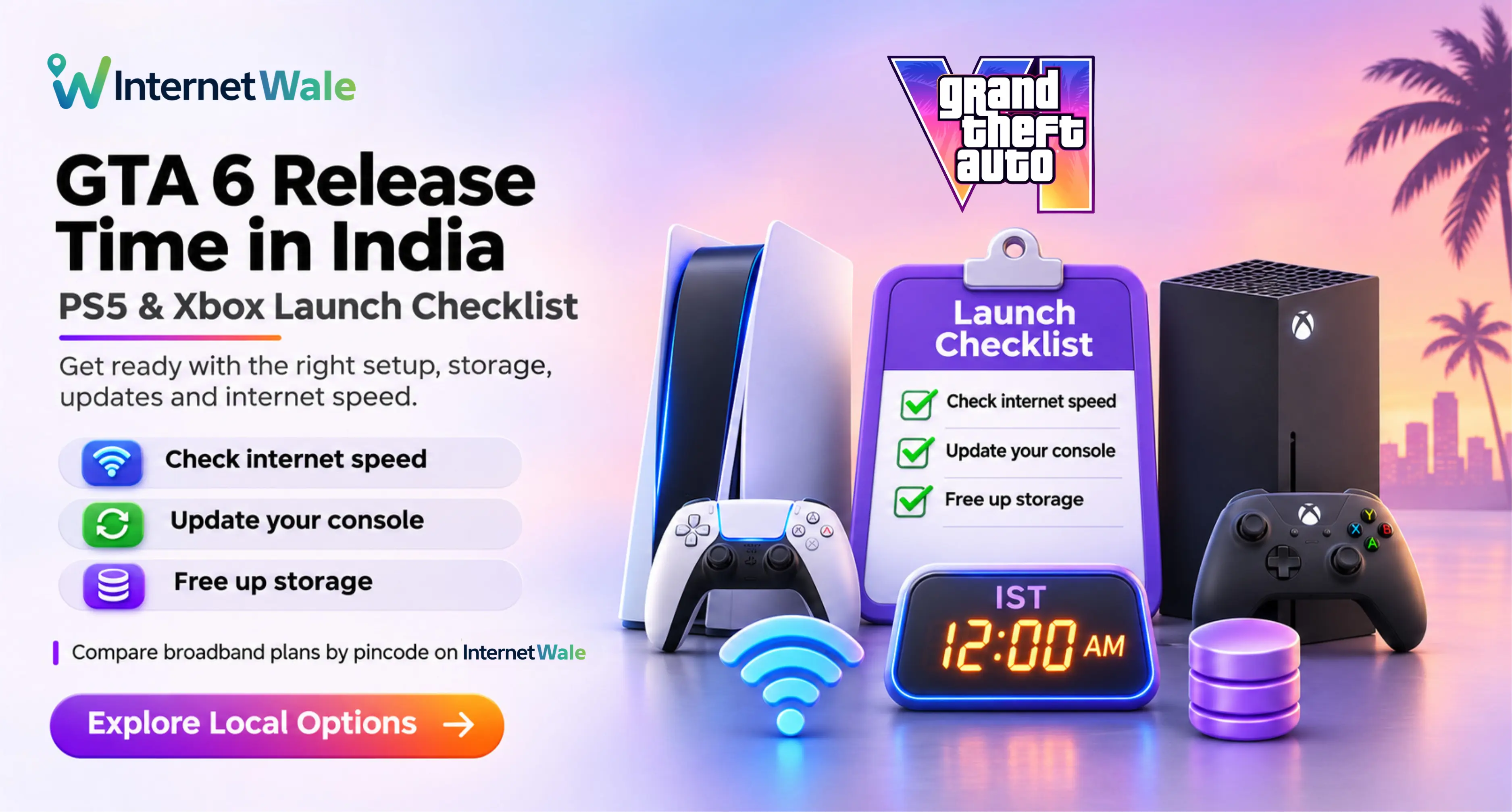
GTA 6 unlocks in India at 12:00 AM IST on Thursday, 19 November 2026, on PlayStation 5, Xbox Series X and Xbox Series S. If you are planning a session on Wednesday night, 18 November, the first minute after 11:59 PM is launch time. Rockstar lists the same local release time for both console families in its regional release schedule.
Before you settle in, open the game on your console and check two things: how much time is left on the countdown and how much of the download is left in the queue. The countdown tells you when you have access. The queue tells you whether your console will be ready when that moment arrives.
India launch times at a glance
PS5 digital preload opened on 10 November at 12:00 AM IST.
Xbox Series X and Series S digital preload opened on 10 November at 5:30 AM IST.
Play begins on all three consoles on 19 November at 12:00 AM IST.
The five-and-a-half-hour difference applied only to the preload. Rockstar opened Xbox downloads worldwide at midnight GMT, while PlayStation downloads opened at midnight in each local time zone. Indian Xbox players can start playing at the same time as Indian PS5 players. If you pre-ordered digitally and have yet to start the download, you can do that before the countdown ends.
PS5 checklist
1. Find your copy. Sign in with the PlayStation account you used to buy the game. From the games home screen, open Game Library and select Grand Theft Auto VI. Open the countdown on the game page to see the content included with your order. A tick beside an item means auto-download is enabled for it. PlayStation’s illustrated preorder guide shows where to find the timer.
2. Check the transfer. Press the PS button and open Downloads/Uploads in the control centre. Look for GTA VI and check that the download is progressing. If it says there is too little space, open Settings → Storage to see what is available. You can compare that figure with the space shown under View Product on the game’s library page.
3. Set up Rest Mode. If you are switching off the TV while the PS5 downloads, enable Stay Connected to the Internet in the features available in Rest Mode. Leave the console on or put it into Rest Mode with automatic downloads enabled. Before you walk away, check the queue once so you know the transfer has started.
Xbox Series X and Series S checklist
1. Open your library. Sign in with the Microsoft account used for the purchase. Find Grand Theft Auto VI in My games & apps. If it is available to install, select it and choose the install option. If you already started the preload, go straight to the queue to see how much is left.
2. Check the queue. In My games & apps → Manage → Queue, see whether another title is downloading ahead of GTA VI. You can pause a less urgent download while GTA VI finishes. If the console asks you to free up space, check which storage device you selected for the installation.
3. Check the power setting. For automatic preload, Rockstar specifies an Xbox with automatic updates enabled, either switched on or in Sleep mode. If you plan to leave it overnight, check both settings before putting the controller down. You can find the links to Microsoft’s update and power settings in Rockstar’s preload FAQ.
How much space and download time should you allow?
Rockstar says the preload can require up to 212 GB of free storage, depending on your device. Use that figure to plan space on the console. To estimate the data you will use or how long you will wait, use the remaining download size shown in your queue. Free space required for installation and data still to transfer measure different things.
For example, say your queue shows 60 GB remaining at 10:00 PM. At a steady 100 Mbps, the transfer alone takes about 80 minutes and would finish around 11:20 PM. At 50 Mbps, the same data takes about two hours and 40 minutes, taking you past midnight. Both examples assume a constant download rate. Allow extra time for speed changes and installation. The console’s own estimate is a better guide once the transfer is underway.
If someone at home is on a call or watching a film, check the speed the console actually receives during that time. A laptop tested beside the router can give a different result from a console across the room. If downloads like this regularly use most of your monthly allowance, compare plans by their high-speed data allowance and the speed available after you use it. InternetWale lets you compare options by locality or pincode. The provider confirms availability at your address. Compare Plans in Your Area.
If you bought a boxed copy
The retail box contains a code for a digital download. Redeem it on the account you intend to play on, then check that GTA VI appears in your library and starts downloading. This matters if your box arrives on launch night because you still need time for the transfer. If the store rejects the code, use the instructions for your console in Rockstar’s activation guide.
If the game still has not opened at midnight
Start with the message on screen. A progress bar means the console still has work to do. On PS5, if the transfer has stopped, open Downloads/Uploads, select GTA VI and try Pause, then Resume. If the installation is complete but a padlock remains after the release time, check the purchasing account and its transaction history. Sony lists the next steps in its download and licence troubleshooting guide.
On Xbox, check the installation queue for a specific storage or download error. If the store asks you to buy the game again, check the account and the original order before making another purchase. For an installation error that persists, follow the Xbox support link in Rockstar’s preload FAQ and keep the on-screen error code handy.