
Your teenager needs WhatsApp for class updates, tuition groups and staying in touch with friends. You want to help them handle unfamiliar contacts and group invitations, but checking every conversation is not the arrangement either of you wants.
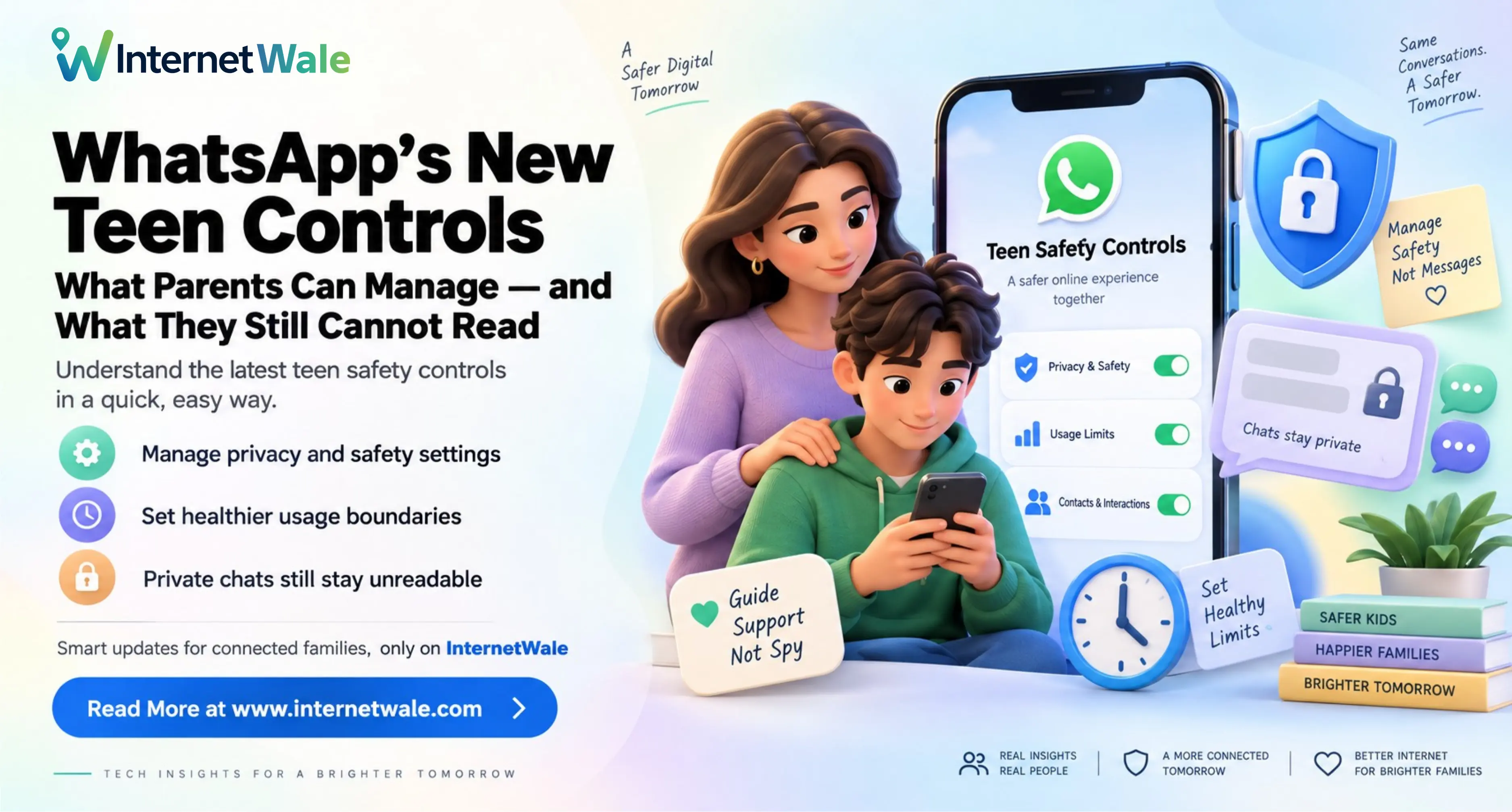
WhatsApp's new teen parental controls offer a more focused option: parents can manage selected privacy settings and features and receive activity alerts. They do not give parents a dashboard for reading private chats. This guide explains what families can manage, how setup works and what Indian users should check before expecting the controls to appear.
What WhatsApp announced
On 30 September 2026, WhatsApp announced optional parental controls for teenagers. The tools cover privacy choices, group activity, Channels, Status and the Meta AI experience. Parents can adjust the controls or turn them off as their family's needs change.
WhatsApp's setup guidance specifies teens aged 13–17 and a parent or guardian aged 18 or older. Both must agree to link their accounts. These are controls for an existing teen account; they should not be confused with the separate parent-managed accounts designed for younger children.
Check availability before planning setup
The official parental-controls page says the tools are rolling out gradually and may not yet be available in your region. As of 3 October 2026, that is not confirmation that every Indian account has access. A news announcement and an option appearing on your own phone are different things.
Both phones need the latest WhatsApp version for Android or iPhone. Update through the official app store, then check the teen's settings. If the option is missing, consult WhatsApp's current guidance. Avoid unofficial apps promising to unlock it, and do not assume that reinstalling WhatsApp or buying faster broadband will make an unavailable feature appear.
Privacy settings and the parent PIN
Parents can help choose who sees the teen's profile photo and who can add them to groups. Making supervised settings less restrictive requires approval through a parent-set PIN. This gives families a chance to discuss a change before expanding access.
For example, a teenager might want to relax a setting while joining a new tuition group. A useful conversation is: who runs this group, why is it needed, and is a broader privacy change necessary? Start with the specific need instead of changing several settings at once.
Activity alerts give context, not a transcript
WhatsApp describes alerts for events such as joining or leaving groups and significant growth in a group's membership. Its activity-alert guidance also covers new contacts and account changes, with options to customise selected notifications.
Parents can review activity on their own phone through Settings, Parental controls and the linked teen's account. Review which notifications you actually want rather than assuming every alert is enabled or that every new group member triggers a separate warning.
An alert is a reason to ask a question. It does not establish that a group is unsafe. A school event group, for example, may grow quickly as more classmates join. Agree in advance how you will respond so ordinary updates do not turn into repeated interruptions.
Channels, Status and Meta AI have separate choices
The new controls allow parents to manage how their teen uses Channels, whose Status updates they can see and who can view theirs. Review these choices separately: following updates and sharing personal information involve different decisions.
For Meta AI, WhatsApp describes a default 13+ experience and a stricter option called Limited Content. Treat that as a content setting, not a guarantee that every response will be appropriate or correct.
As a practical family rule, ask your teenager to check important AI answers against reliable sources and avoid entering sensitive personal details. For Status, discuss what a photo reveals before posting: a school uniform, location or travel plan may disclose more than intended. Settings work better when the person using them understands the reason.
How to set up teen controls
Follow WhatsApp's official setup instructions with both phones available. On the teen's phone, open Settings, select Parental controls and continue. Enter the correct birthday, confirm the age and proceed to account linking.
Using the parent's phone, scan the QR code shown on the teen's device and follow the WhatsApp prompts. Complete adult verification, create and confirm a six-digit parent PIN, then finish setup on the teen's phone.
Enter the PIN there, review the privacy and feature choices, and complete the confirmation steps. Give your teenager time to read the explanation of their updated experience. Keep the parent PIN private; do not send it in a family group or include it in a screenshot.
Before putting the phones away, check that the correct account is linked and review the settings together. Explain what you can see, what remains private and how your teenager can ask for a change. Avoid relying on remembered menu positions if the app's current instructions differ.
What parents still cannot read through these controls
The controls do not grant access to personal message contents or private calls. WhatsApp says these remain protected by end-to-end encryption: the conversation is protected between its participants, rather than opened to a parent through supervision.
That does not stop a recipient from showing someone a message or taking a screenshot. Encourage your teenager to think about what they send, even in a private conversation. A privacy setting cannot make another person trustworthy.
Do not assume that teen controls include the message-request approvals described for younger children's parent-managed accounts. WhatsApp's family-safety explanation distinguishes those account types. Pre-teen accounts focus on messaging and calling and exclude Meta AI, Channels and Status; teen controls manage selected features of a broader account.
Keep conversations and connection settings separate
Agree on a simple response to an uncomfortable interaction: stop replying, use blocking or reporting where appropriate, and speak to a trusted adult. Make it clear that asking for help will not automatically lead to punishment. Review the arrangement when school routines or group memberships change.
WhatsApp account controls also serve a different purpose from home-router settings. Do not assume a Wi-Fi schedule will supervise an app when the phone uses another connection, or that these WhatsApp tools set bedtime limits across every app. For related privacy context, read our guide to what private browsing does and does not hide from a Wi-Fi owner.
If your household separately needs broadband for classes, work and family calls, compare plans in your area through InternetWale. Check total costs, data limits, router terms and provider support. InternetWale helps customers discover and compare providers; it does not supply connectivity. Confirm serviceability and final terms with the selected provider. A suitable connection supports everyday use, while WhatsApp's own controls govern the app experience.